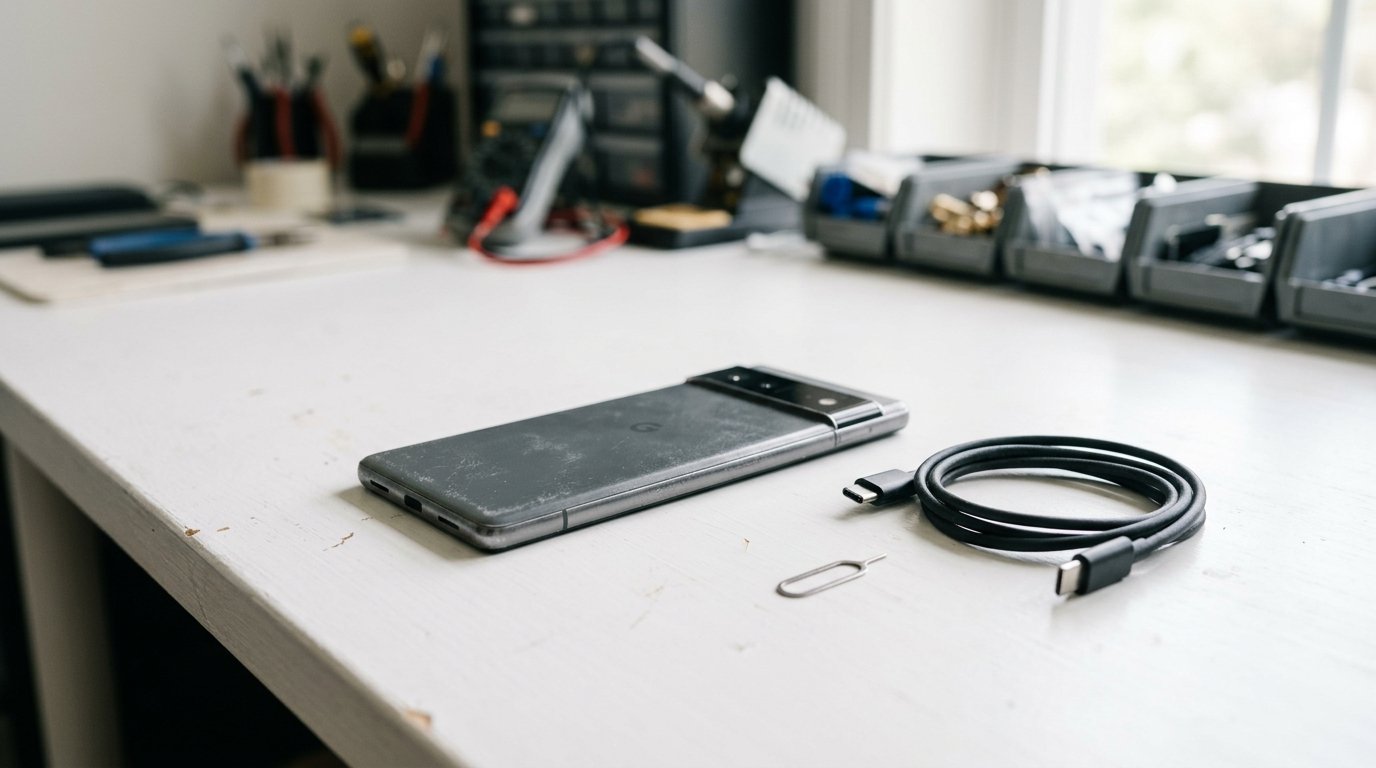
The Google Pixel 6 Pro, released in 2021 with a retail price of $899, has seen significant depreciation over its lifecycle. Today, it trades for approximately $120 to $170, marking an 84% decline from its original cost. This guide covers the current trade-in values offered by major services like Back Market, alongside information on purchasing certified refurbished units of the Google Pixel 6 Pro and safely recycling it if no longer needed.
ranty minimum.
All certified-refurbished sellers test the device, replace the battery if degraded below 80% capacity, and reset to factory defaults.
How to Recycle a Google Google Pixel 6 Pro
If trade-in value is below £20 / $25 - or the device has a swollen battery, cracked screen with internal damage, or won't power on - recycling is the responsible end-of-life route.
The fastest free option for a Google device is the manufacturer programme: Google Store trade-in. Pixel devices + select third-party. Trade-in credit toward new purchase.
Free options that work for any smartphone:
Before recycling, factory-reset the device, remove SIM and SD cards, and sign out of any cloud account.
What's Inside (Recoverable Materials)
A modern smartphone contains roughly 0.034g gold, 0.34g silver, 0.015g palladium, 15g copper and 16g aluminium. Total recoverable raw-material value is around $1-$3 per device at 2026 commodity prices. Lithium-cobalt batteries are 30-50g and require separate processing.
The UN Global E-Waste Monitor 2024 estimates that the raw materials in global e-waste were worth $91 billion in 2022, with only 22.3% formally recycled. Every device sent to certified recycling closes a small part of that loop.
Fair-condition trade-in is around $50. Small repairs (battery, screen) at $40-$100 can lift the unit to excellent and double the resale value - worth doing if the device is otherwise functional.
Common failure modes for this generation: battery degradation below 80% capacity (cheap fix at any independent repair shop), screen damage from drops (out-of-warranty repair from the manufacturer is usually 2-3x what an independent shop charges), and water damage (rarely worth repairing - recycle and trade up).
Related Guides
Sources
- Trade-in prices: market estimates across Gazelle, Back Market and Apple Trade In, Best Buy Trade-In, retrieved 2026-05-17
- Manufacturer take-back URLs: official manufacturer recycling pages
- Recoverable materials: UN Global E-Waste Monitor 2024 (UNITAR/ITU) baseline data
- Repairability scores: iFixit teardown database where available
Frequently Asked Questions
What is a Google Google Pixel 6 Pro worth in 2026?
In excellent condition, the Google Pixel 6 Pro trades in for $120-$170. In fair condition (screen scratches, battery health 80-90%), expect $35-$65. Quotes vary by service; check Decluttr, Gazelle and Back Market for live pricing.
Where can I sell my Google Google Pixel 6 Pro for the most cash?
For US sellers, Decluttr typically pays the highest cash for Google devices and ships money within 1 business day of inspection. Back Market wins on Macs and premium laptops. Apple Trade In pays in store credit only but stacks with current promotions.
Is the Google Google Pixel 6 Pro worth repairing?
It depends on what's broken. Battery replacement on the Google Pixel 6 Pro costs $40-$80 at an independent shop and is almost always worth it if the device is otherwise functional. Screen damage is more expensive ($150-$250) but still cost-effective if the device is less than 4 years old. Water damage is rarely worth repairing.
How do I recycle a Google Google Pixel 6 Pro if it has no trade-in value?
Three free options: (1) the Google manufacturer take-back programme (prepaid mail label), (2) Best Buy Electronics Recycling (drop-off, 3 items per day), or (3) Staples Electronics Recycling (no quantity limit). All three are R2 or e-Stewards certified.
Is it safe to sell or recycle a Google Pixel 6 Pro with personal data on it?
Only after a full factory reset. On the Google Pixel 6 Pro, this clears the encryption key and makes the data unrecoverable to the next owner. Sign out of any cloud account first (iCloud, Google, Microsoft account), then perform a factory reset from the settings menu before shipping.