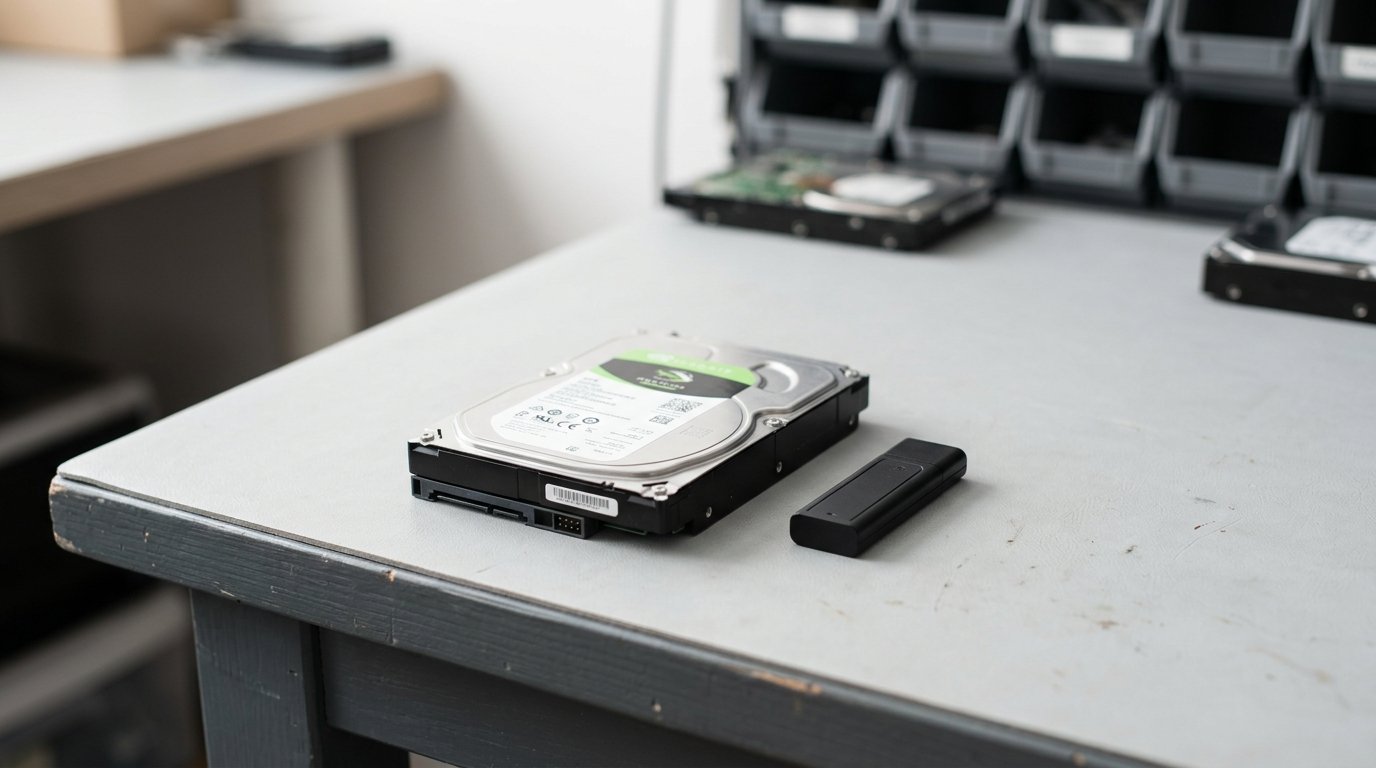
Old computers are the highest-value e-waste definition category - laptops, desktops and monitors hold gold, palladium and silver in the circuit boards and rare-earth magnets in the drives. They also hold years of personal data. This guide shows the free recycling options near you, how to wipe data securely, and how to claim trade-in value if your device is still working.
Reviewed by the eCycling Central editorial team - last updated May 2026
Quick Answer: How to Recycle a Computer Near You
Three free options at every US ZIP code:
- Best Buy - drop off any laptop, tablet, desktop CPU, monitor or peripheral. 3 items per day per household.
- Staples - laptops, printers, tablets, monitors, keyboards, mice. No daily limit on small items.
- Dell Reconnect - drop off at any participating Goodwill location. Accepts any brand, any condition.
Plus mail-in: Apple GiveBack (free label), Microsoft trade-in, HP Planet Partners, Dell Asset Resale.
Trade-in: Get Paid Before You Recycle
If your computer is less than 5 years old, it likely has trade-in value. Use our device trade-in checker to compare offers from:
- Apple GiveBack (Macs)
- Microsoft Trade-in (Surface, any Windows laptop)
- Best Buy Trade-in
- Gazelle
- Decluttr
- BackMarket
Recent values:
- 2022 MacBook Pro 14" (M1 Pro): $600-$900
- 2023 Dell XPS 13: $250-$450
- 2024 ThinkPad T14: $300-$550
- 2022 iMac 24" (M1): $500-$700
How to Wipe a Computer Before Recycling
Windows 10/11
- Settings → System → Recovery → Reset this PC
- Choose "Remove everything"
- Choose "Local reinstall"
- Click "Change settings" → toggle "Clean data" ON
- Click "Confirm" → Reset
The clean-data option overwrites the drive with random data, taking 30-60 minutes on most SSDs and 4-8 hours on spinning drives.
macOS (Apple Silicon, 2020+)
- System Settings → General → Transfer or Reset → Erase All Content and Settings
- Sign out of Apple ID
- Confirm - the drive erases in under a minute (Apple's secure enclave handles this)
macOS (Intel, pre-2020)
- Boot to Recovery (hold ⌘R during startup)
- Disk Utility → Erase → Format APFS, Scheme GUID
- Click Erase
- Reinstall macOS (optional)
Linux
Use `shred -vfz -n 3 /dev/sdX` from a live USB. Three passes meets DoD 5220.22-M sanitisation standard.
For corporate, medical or legal data, request a Certificate of Data Destruction from an e-waste definition certified recycler. Both certifications require:
- Documented chain of custody
- data sanitisation standard compliant data destruction
- Annual third-party audit
- Per-serial-number tracking
Free Dell Reconnect (with Goodwill) does not provide individual certificates - use a certified processor for HIPAA, GLBA or PCI-DSS data.
What's Inside a Computer (and Why Recycling Matters)
| Component | Materials recovered |
|---|
| Motherboard | Gold (~0.2g), silver, palladium, copper |
| RAM | Gold-plated contacts, silicon, copper |
| Hard drive | Neodymium-iron-boron magnets (rare earth) |
| Power supply | Steel, copper, aluminium |
| Display | Indium-tin-oxide, glass |
| Case | Aluminium or steel |
A typical laptop yields about $0.80-$2.50 in raw material value at 2026 commodity prices. Globally, the recoverable raw materials in e-waste are worth around $91 billion (UN E-Waste Monitor 2024).
Find Computer Recyclers in Your City
City-specific guides for 170+ US, Canadian, UK and Australian metros:
Computer Recycling Costs
- Free: Best Buy (3/day household), Staples, Dell Reconnect, manufacturer mail-in
- $10-$30: monitors and CRTs in California, Connecticut, Pennsylvania (state-mandated handling fee)
- $25-$100: corporate ITAD pickup (5+ unit minimum)
- $50-$200: certified data destruction with certificate
What to Do With Old Peripherals
| Item | Best disposal route |
|---|
| Keyboard / mouse | Best Buy, Staples free drop-off |
| Webcam | Same as small electronics - Best Buy, Staples |
| External drive | Wipe first, then Best Buy or certified recycler |
| Monitor / display | Best Buy free in most states ($30 in CA/CT/PA) |
| Printer | Staples, HP Planet Partners (free shipping label) |
| UPS / battery backup | Battery drop at Lowe's or Home Depot, casing to e-waste |
Buy on Amazon UK
Shop a Replacement Computer (US readers)
Sources
- US EPA, Electronics Recycling Statistics 2025
- NIST Special Publication 800-88r1, Guidelines for Media Sanitization
- SERI R2 Standard v3, 2024 revision
- UN Global E-Waste Monitor 2024 (UNITAR / ITU)
Computer Recycling Near Me: Free Pickup + Data Wipe (2026): framework + alternatives + FAQs (2026-05-20)
Practical 5-step process
- Confirm device condition + age. Working post-2018 device → trade-in route. Older or broken → recycling route. Compare via Trade-In Best Price Finder before committing to recycling.
- Sanitise the device. Sign out of cloud services (iCloud, Google, Microsoft, Samsung). Factory reset via Settings menu. For sensitive data: certified ITAD provider with data sanitisation standard sanitisation - see Hard Drive Destruction Cost Calculator.
- Find a compliant disposal route. Manufacturer take-back (free for like-for-like purchases under EU WEEE / UK WEEE / select US state laws), retailer drop-off (free at most major retailers), or certified local recycler. Use our Recycling Locator for nearby options.
- Document the disposal. Get a Certificate of Destruction for any data-bearing device (free template via our GDPR Data Erasure Certificate Generator). Keep for 3-7 years depending on data classification.
- Verify the downstream certification chain. Reputable recyclers partner with R2v3 / R2 certification standard / ISO 14001 certified processors. Ask which standard the downstream processor holds before drop-off.
Why this matters legally
Skipping compliant disposal has measurable penalty exposure:
- EU WEEE Directive 2012/19/EU + UK WEEE Regulations 2013: producer + waste-generator liability. Penalties typically £5,000-£50,000 per incident under environmental enforcement.
- US state e-waste laws: 25 states have mandatory laws as of 2026. Penalties range $1,500-$25,000 per incident (California Universal Waste Rule, New York Electronic Equipment Recycling and Reuse Act).
- EPA RCRA 40 CFR Part 273: federal Universal Waste Rule covers e-waste. Up to $76,764 per day per violation as of 2026.
- UK GDPR + EU GDPR Art 32: personal data on disposed devices triggers liability if not properly sanitised. Penalties up to £17.5M or 4% global turnover.
Check your specific risk via E-Waste Fines Checker.
Three common consumer mistakes
- Putting electronics in general waste. Most jurisdictions explicitly ban this; municipal collection rejects loads at the kerb.
- Trusting "free pickup" without verifying certification. Some scrap collectors export to non-OECD countries (violates e-Stewards + Basel Convention). Always ask for R2v3 or e-Stewards certificate before handing over devices.
- Wiping data via factory reset only on SSDs. Factory reset on SSD does NOT cryptographically erase - drive may still have recoverable data. Use NIST 800-88 Purge for SSDs.
Frequently asked questions
Is electronics recycling always free? For consumer drop-off and mail-in: yes, free at point of use under producer-pays framework. Exceptions: bulk appliance pickup ($25-$50), CRT TVs/monitors ($19-$50), oversized batteries.
Will the recycler resell my data? Reputable recyclers either (a) wipe to NIST 800-88 standard before any onward sale, or (b) physically destroy data-bearing media before reuse path. Ask which method applies before drop-off.
What happens if my device still has value? Don't recycle - trade in first. Even a 5-year-old smartphone often fetches £25-£80 trade-in vs $0 recycling. Compare via Trade-In Best Price Finder.
Related guides + tools
---
Framework verified against EU WEEE Directive 2012/19/EU + UK WEEE Regulations 2013 + EPA RCRA 40 CFR Part 273 + US state e-waste laws + NIST SP 800-88 Rev 1 as of 2026-05-20. Operated by Defining Style Limited (UK Companies House 10572391, ICO Registration ZA711914). Rules update annually - verify current penalties on enforcement-authority sites before relying on figures.